UGC
Appeals & documentation

At a glance
Key capabilities
What UGC focuses on before you open the full module list.
Plus 6 additional modules in the operator portal—see the full list below.
Overview
Built around account appeals
How this build fits ranked, Turbo, and patch-day workflows.
UGC helps you organize Activision and platform appeals with structured notes and automation—not instant unlock promises.
Gallery images use only the UGC product ZIP supplied for this site.
What UGC covers
UGC (Unban & Governance Control) is an appeal workspace for platform restrictions, bans, and security flags—structured evidence and timelines, not a guaranteed reversal.
Realistic expectations
Some enforcement actions cannot be undone. UGC helps you organize files and follow-ups for Activision or platform review. Pair with [HWID Spoofer](/products/mw4/hwid-spoofer/) when hardware is flagged.
Modules
What's included
Every module and overlay shipped with UGC—toggle and tune in the operator portal.
- Custom appeal workflows
- Restriction dispute templates
- Case documentation structure
- Status tracking dashboard
- Identity verification guide
- Evidence upload layout
- Timeline tracker
- Follow-up response templates
Experience
In the client · After you buy
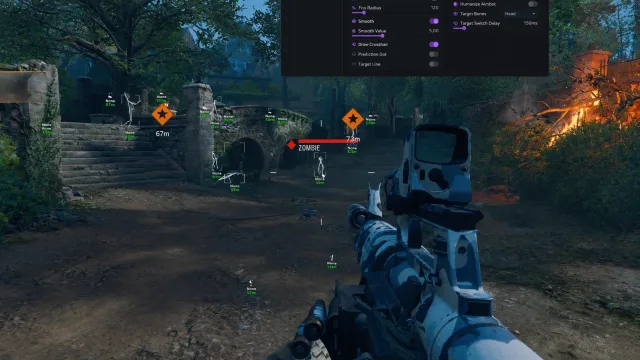
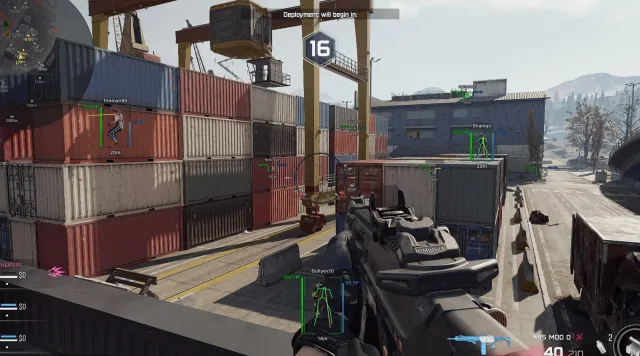
Use the screenshots above for UGC—below is what each layer means and how access works after checkout.
In-game layers
- Layer A
Appeal workspace
Document timelines and evidence for platform review—not instant unban.
Guides
Learn more about UGC
Curated articles for setup, tuning, and patch-day checks that match this product.
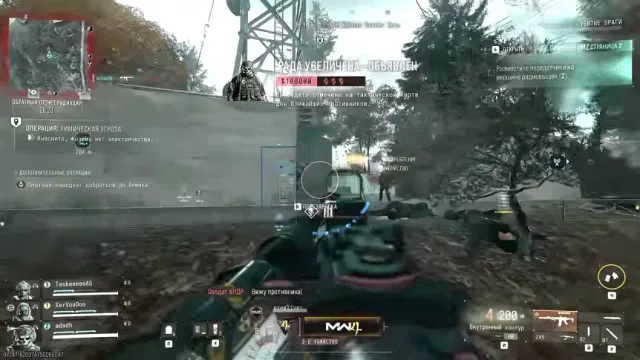
Status banners describe a moment in time—not a warranty.
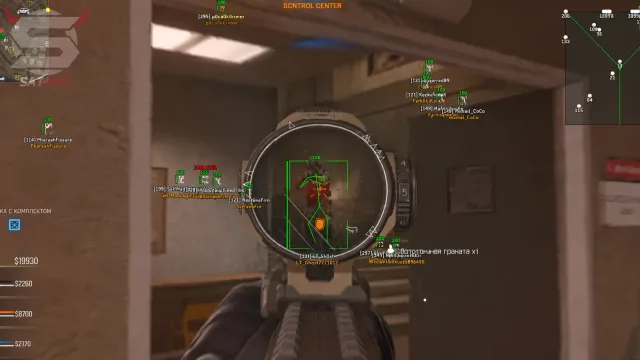
When spoofing matches a portal workflow—and when only a clean machine makes sense.
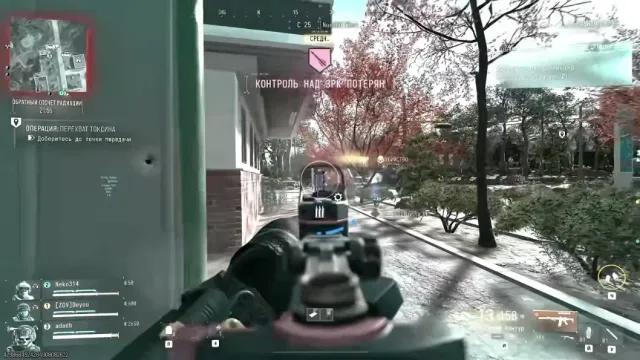
Order email flow, partner checkout, and how to spot fake loader links.
Cheat client: what to verify before buying any MW4 loader, including stability, the module list, and how vendors handle Ricochet downtime.
MW4: input, FOV, and update cadence differences, and why these guides focus on PC Steam and Battle.net clients only now.
Campaign: approach encounters without spoiling story beats, then use the same habits when you jump back into multiplayer matches.
FAQ
Questions about this page
Answers tied to what you are reading—visit the FAQ page for every topic.